
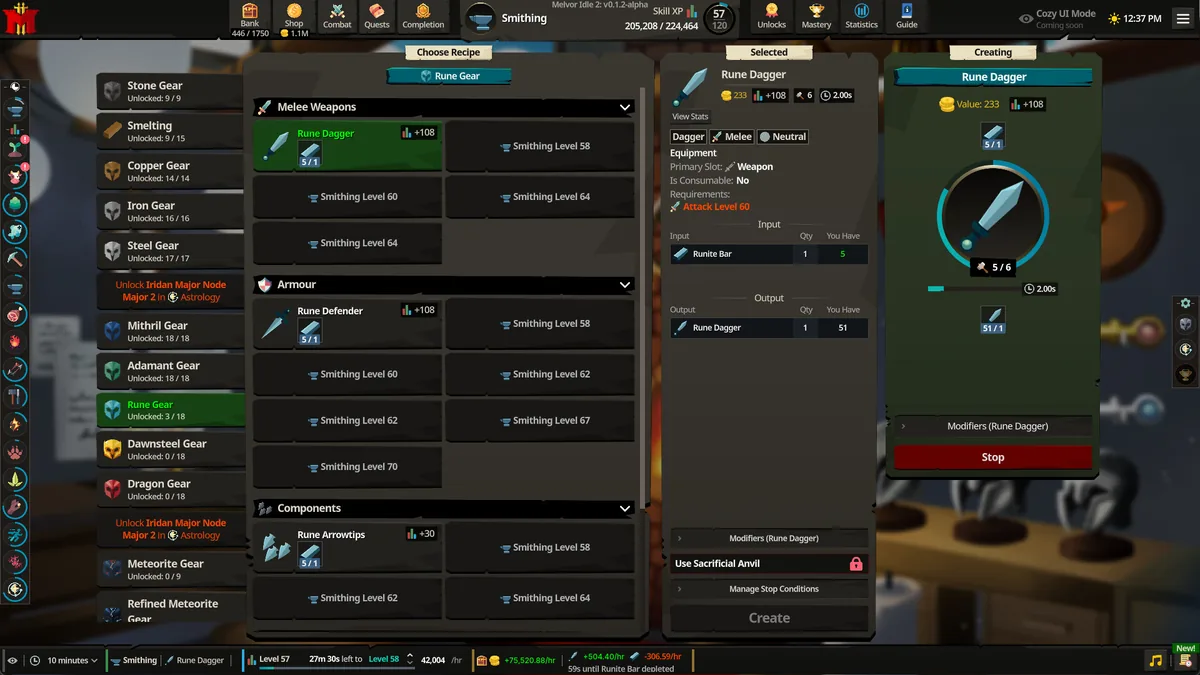
Does the game have an official Mod Manager?
Not in the checked Early Access build. The store text is a forward-looking statement: “Designed from the ground up to support user-created Mods in the future.” The 2025 full-release plan also mentions an in-game mod manager as a later feature.
No launch patch note announced a built-in manager, and no official mod browser is linked from the store page. Treat any current mod menu as community tooling unless a newer official announcement says otherwise.
What the community loader is
Melvor Mod Loader is a community tool, not a developer product. The checked version is 0.1.3. It places an override.cfg next to Melvor2.exe and loads each mod from a mods folder inside the game folder; each mod is its own folder, and deleting the folder removes it.
The loader does not modify the game files. When it starts, green text in the top-left shows the loader version and the number of loaded mods for about 15 seconds. That message is the quickest way to confirm it actually ran.
- Back up the character
Copy the save string from character select and store it outside the game folder.
- Close the game
Do not replace files while the client is running.
- Extract the loader
Put override.cfg beside Melvor2.exe, following the loader's own package layout.
- Add one mod at a time
Place a single mod folder in mods, launch, and confirm the green loader message before adding more.
- Remove by folder
To uninstall a mod, delete its folder rather than editing the game executable.
Common quality-of-life mods
| Mod | What it changes | Input |
|---|---|---|
| Action Queue | Queues repeated actions | F6 |
| Bulk Sell | Sells in bulk from the bank | F7 |
| Save Backup | Writes dated save backups | Automatic |
| Localization Pack | Replaces UI text | override.cfg; conflicts with the loader |
Shortcuts and behaviour come from the community guide; they are not official keybinds and can change with a mod update.
Scroll the table sideways if it is wider than the screen.
The language-pack conflict
The community Localization Pack also uses override.cfg. Two tools that both expect to own that file cannot run together. If the language pack is installed, the mod loader will not load; if the loader is installed, the language pack route is blocked.
This is separate from the fact that the checked language pack has no Chinese. Do not install it expecting a Chinese client; the Chinese language page records that gap.
Update and save risks
- A game patch can break a mod. The loader logs the failure to MelvorModLoader.log and skips that mod so the game can still start.
- A broken mod is not proof that the save is corrupt; remove the mod folder and retest before replacing the profile.
- Back up before a major patch or a batch of mod updates.
- Do not use a mod to “repair” a save unless the mod's documentation explicitly supports that format.
How to tell official from community
- Official: linked from the Steam page or a news.melvoridle.com post.
- Community: hosted on Nexus, a fan site or a Steam guide, with its own version number.
- Official mod support has not shipped, so a menu inside the game does not automatically make a mod official.
- Check the date on the mod page; a build-specific guide can be obsolete after one patch.
Common questions
Does Melvor Idle 2 have official mods now?
No official Mod Manager has shipped in the checked Early Access build. The store describes future support, not a current feature.
Does the loader change game files?
The checked loader places override.cfg beside the executable and loads mods from a folder; its documentation says it does not modify the game files. Always keep a save backup.
Can I use the language pack and mods together?
Not with this loader. Both use override.cfg, so they conflict.
Sources
“Built for Mods ... in the future”; no current official manager listed.
In-game mod manager appears as a full-release plan.
Loader install, common QoL mods, backups and language-pack conflict.
Melvor Mod Loader identity, version and load behaviour.
Reviewed: 23 November 2026 · Factual claims were checked against the linked sources; this is not a record of first-hand gameplay testing.
Continue with