
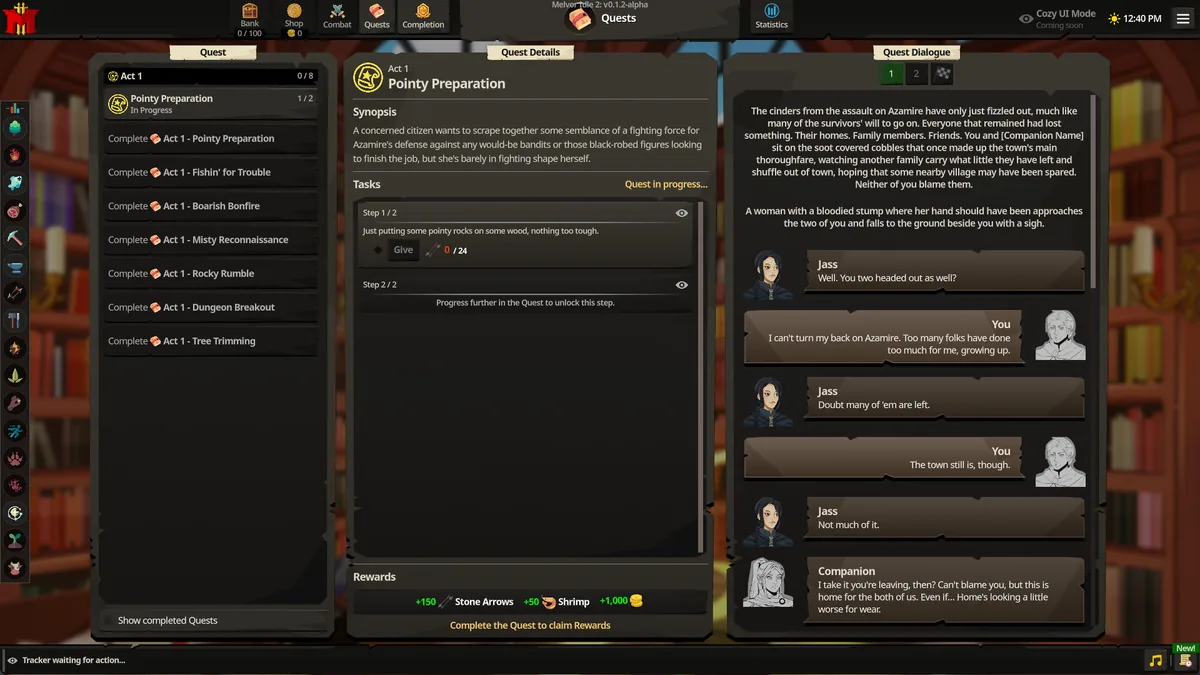
Can you still download the demo?
No. The launch FAQ scheduled the demo removal for about 09:00 UTC on 17 November 2026, with Early Access following at about 10:00 UTC. A store API request for demo app 5373510 returns success=false with no data, which is consistent with a delisted app.
A search result or old Steam news page can still mention the demo. That does not mean the download is live. Check the store button and the app response before planning around it.
What the demo contained
| Area | Demo | Early Access |
|---|---|---|
| Skills | 22 of 25 (one announcement also says 21) | 25 |
| Level cap | 60 | 99 |
| Story | Act 1 | Act 1 and Act 2 |
| Missing skills | Astrology, Herblore, Agility | All three added |
| Items and monsters | Smaller demo pool | 1,138 new items and 121 new monsters in the launch patch |
| Pets | Not the full set | 25 |
| Save transfer | Demo save | Loads in Early Access |
The demo announcement gives both 22 and 21 for the skill count in different places. Both figures are preserved rather than forced into one number.
Scroll the table sideways if it is wider than the screen.
What changed at launch
Because of those balance changes, a demo-era money route or level plan can be misleading in Early Access. Recheck prices and rewards against the current build.
- Astrology, Herblore and Agility joined the skill list.
- The level cap rose from 60 to 99, with content up to the new cap.
- Act 2 arrived, roughly three times the size of Act 1 according to the developer.
- Four new Mastery Guild ranks and 25 pets were added.
- Feathers dropped from 4 GP to 1 GP, quest gold rewards doubled and several early shop prices changed.
How the demo save carries over
The developer says no manual migration step is required: when you launch Early Access, the demo save should be waiting on the character select screen. Melvor Cloud backs up automatically when you are logged in, and Steam Cloud is also listed by the developer as part of the save path.
Make a separate backup anyway before changing devices, reinstalling or adding mods. The reliable manual copy is the save string, not a guessed file name.
- Open the character select screen
Start the game and go to the screen that lists your characters.
- Use the gear icon
Click the gear next to the load button.
- Copy the save string
Choose “Copy save string to clipboard” and paste it into a text file.
- Store more than one dated copy
Keep the text file outside the game folder and label it with the date.
If the demo save does not appear
- Confirm you are on the same device and the same Steam and Melvor Cloud account.
- Check that you launched app 3218350, not the old demo app or the first game.
- Restore from the save string you copied before the switch.
- If you never made a manual copy, the automatic cloud copy is the remaining route; a deleted local profile cannot be reconstructed from an old web page.
Common questions
Will the demo come back?
No return has been announced. The demo is delisted and Early Access is the current paid build.
Do I need to import the save manually?
Normally no. The developer says the demo save is waiting in Early Access. Manual copy is a backup and recovery measure.
Are demo guides still useful?
For general systems and interface orientation, partly. For prices, level caps and item pools, use current Early Access values instead.
Sources
Demo save carry-over and the manual backup path.
What the Next Fest demo contained and its 60-level cap.
Content added for launch, including Act 2 and the three new skills.
Returns no data: the demo listing is delisted.
Reviewed: 23 November 2026 · Factual claims were checked against the linked sources; this is not a record of first-hand gameplay testing.
Continue with